
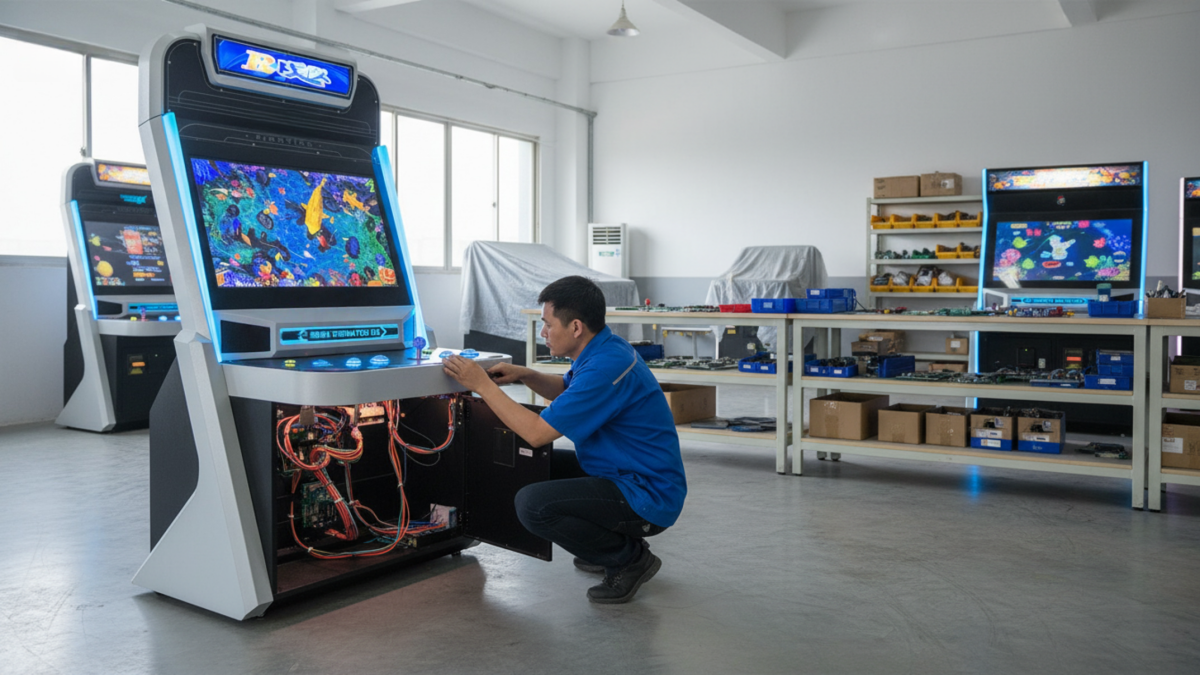
Most fish game machines do not go from “running normally” to “completely dead” without warning. A button starts missing inputs. A fan gets louder. The screen flickers once in a while. A connector works loose, or the machine begins restarting after several hours of use.
Those small symptoms are where maintenance pays off. For an arcade operator, finding a weak connection during a quiet morning is much easier than troubleshooting the same fault with players waiting around the machine on a busy evening.
If the goal is to reduce fish game machine downtime, focus on the parts that fail, loosen, heat up or wear during normal commercial use.
Watch for Changes Before the Machine Stops
A short check at opening time can catch more than many operators expect. Run the machine, look at the screen, listen to the sound and test every player position.
Pay attention to changes rather than waiting for a complete failure. A button that suddenly needs a harder press, a player position that responds intermittently or a monitor that takes longer to display an image deserves attention.
Keep a simple maintenance note for recurring faults. If player three has needed the same repair twice, that history is useful the next time the machine is opened.
Check Power and Wiring When Problems Affect More Than One Part
When a machine restarts, the monitor flickers or several functions become unstable at the same time, do not immediately blame the main PCB.
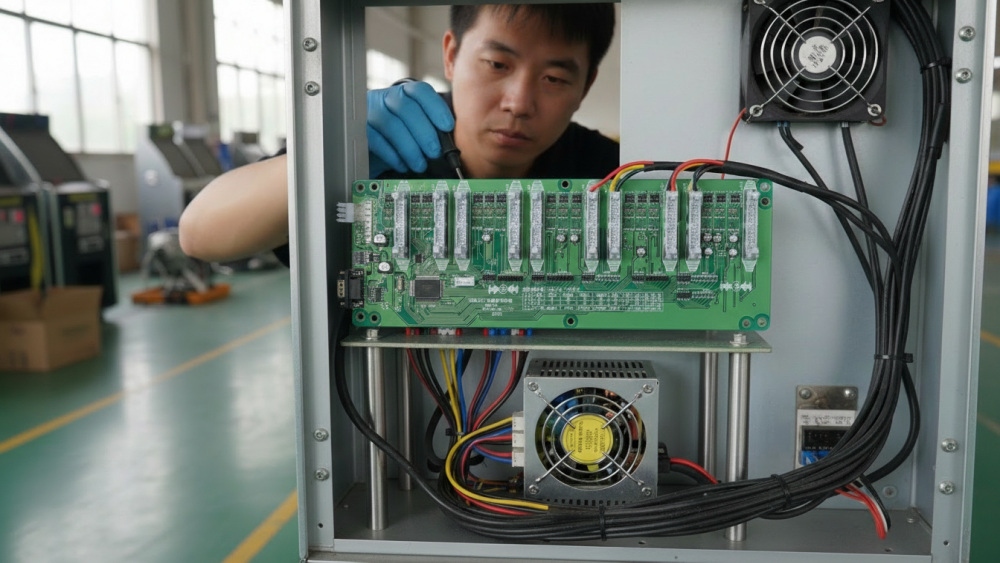
Check the power supply, plugs, terminals and main wiring first. Look for loose connectors, heat discoloration, damaged insulation or old repair splices. Wiring inside a working cabinet should be organized well enough that a technician can follow it without guessing.
Before internal servicing, isolate the machine from its power source and use trained personnel. For U.S. workplaces, OSHA’s control-of-hazardous-energy guidance covers servicing and maintenance where unexpected energization or startup could cause injury.
Treat Buttons and Player Controls as Wear Parts
Players touch the controls constantly, so buttons and switches often show trouble before the major electronics do. Slow response, double input or an intermittent player position may come from the button, microswitch, wiring or I/O connection.
Do not replace every part in the chain at once. Test the control first, then its connection and signal path. This makes the repair faster and helps identify what actually failed.
For replacement work, Fusen’s Arcade Game Buttons for Fish Table Machines are available in 46mm and 60mm sizes. Measure the existing button and mounting position before ordering rather than assuming every control panel uses the same size.
Do Not Let Heat Become an Electrical Problem
Heat problems tend to develop quietly. Dust builds up around ventilation openings, a fan slows down, and the inside of the cabinet gradually runs hotter than it did when the machine was installed.
That matters because the PCB, power supply and display electronics all share the same cabinet environment. Keep air inlets clear, remove internal dust carefully and replace a noisy or unreliable fan before it stops completely.
Also check where the machine is installed. A working fan cannot do much if the cabinet ventilation is pushed directly against a wall or blocked by stored items.
Use a Simple Daily, Weekly and Monthly Routine
Maintenance does not need to become a long technical inspection every morning. Split the work by how quickly a problem can develop.
| When | What to Check |
|---|---|
| Daily | Screen, sound, payment input, buttons and every player position |
| Weekly | Control panels, ventilation, cooling fans and visible connectors |
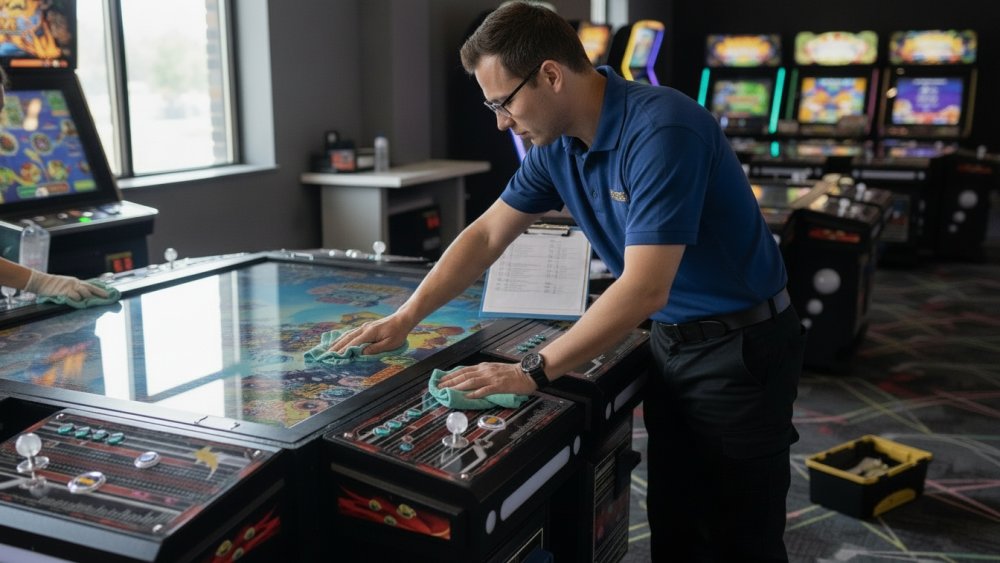
| Monthly | Internal dust, PCB/I/O connections, power supply and spare-parts stock |
Know When a Repair Has Become a Replacement
A loose connector should be repaired. A worn button can be replaced. A PCB that repeatedly freezes or restarts after power, wiring and cooling have been checked deserves a different conversation.
Before replacing a fish game board, record the old player count, I/O system, screen connection, wiring layout and software configuration. A board that looks similar is not automatically compatible.
A replacement option such as the Batman Knight of Vengeance Fish Game PCB Kit is intended for commercial multi-player fish tables, but the existing cabinet and connections should still be confirmed before any PCB replacement is ordered.
Industry Insight: Maintenance Records Are More Useful Than Memory
The biggest maintenance improvement for many game rooms does not require another tool. It is simply keeping a record of what failed, when it failed and what fixed it.
Research from NIST on manufacturing machinery maintenance found substantially less unplanned downtime among groups relying more heavily on preventive and predictive maintenance than reactive maintenance. The study is not arcade-specific, but the operating lesson carries over: waiting for equipment to fail is usually the least predictable way to maintain it.
For an arcade operator, a basic log can reveal patterns quickly. If the same power supply, fan or player position keeps returning to the repair list, that is useful information for the next parts order—and for the next machine specification.
Final Thoughts
Reducing fish game machine downtime is mostly about catching ordinary problems early. Watch for changes in controls and display behavior, keep power and wiring secure, control heat and replace worn parts before they create a second fault.
A short maintenance routine will not prevent every failure. It does make failures easier to spot, easier to explain to a technician and much less likely to become a surprise during the busiest hours of the day.
Need Factory Direct Fish Game Solutions?
Contact FUSEN for fish game machines, PCB kits, cabinets, OEM/ODM customization, and long-term technical support.
Get Factory Quote