
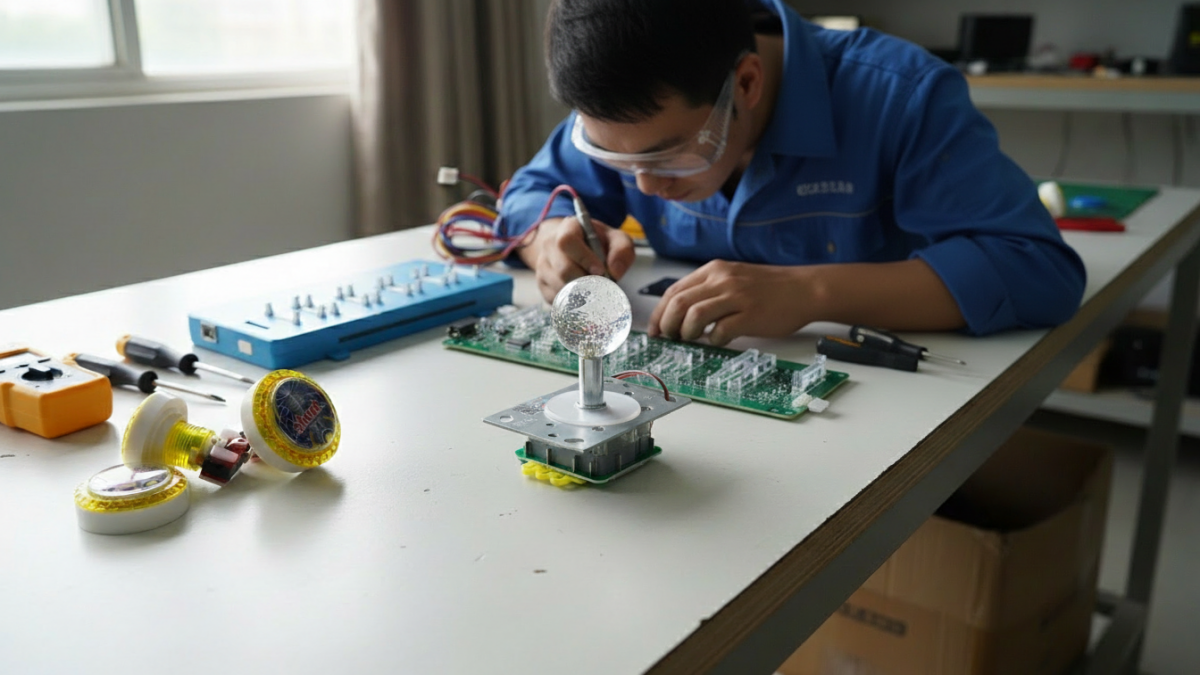
A replacement arcade part can look exactly right in a supplier photo and still be wrong for the machine on your floor. The button fits the hole but uses a different terminal. The power supply has enough wattage but the wrong outputs. The new board powers on, yet one player position no longer responds.
For operators and repair buyers, these are frustrating mistakes because the problem often appears only after the shipment arrives. For distributors, one wrong specification can turn into the same support problem across several customer machines.
When ordering arcade machine parts, the safest approach is to match the replacement to the machine you actually have—not to a catalog photo or a part name that sounds familiar.
Start With the Old Part, Not the New Catalog
Before removing anything, record the old part while it is still installed. Photograph the label, connectors, mounting position and the wiring around it. If possible, include the machine model and a wider photo showing where the part sits inside the cabinet.
Part names alone are rarely enough. “Arcade button,” “12V power supply” or “fish game control board” can describe many different components.
For an intermittent fault, a short video can also help. Showing what the machine does before the repair often gives the supplier more useful information than a close-up product photo after everything has been disconnected.
Check Mechanical Fit Before Electrical Compatibility
A part has to physically fit before its electrical specifications matter.
For buttons and joysticks, check the mounting diameter, panel thickness, shaft or button height and available space below the control panel. For monitors, power supplies and control boards, measure the mounting area and confirm where the brackets or fixing holes sit.
This is especially important on older cabinets. Previous repairs may have changed the original mounting plate, wiring route or control-panel opening, so the machine in front of you may no longer match the original factory drawing.
Match Voltage, Connectors and Signals Separately
A connector that fits does not prove that two parts are electrically compatible.
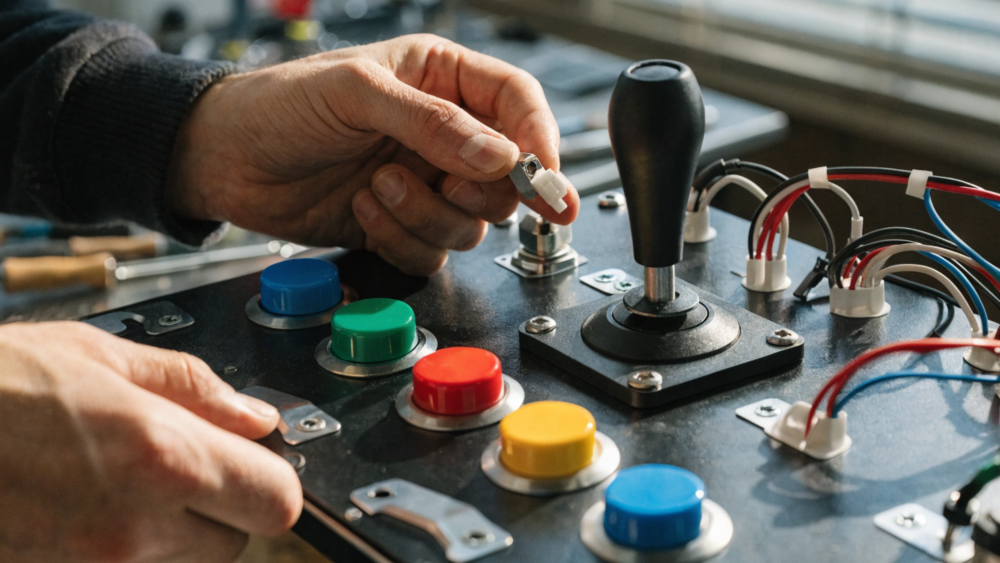
For powered components, confirm input voltage, output voltage, polarity where applicable, connector pinout and the load the part needs to support. For controls and payment devices, check whether the machine expects a pulse, switch signal, I/O connection or another interface.
These details matter because an arcade cabinet combines several electrical and electronic systems. The current IEC 60335-2-82:2024 standard specifically covers safety requirements for electric commercial amusement machines, including video games and gaming machines.
That does not mean every replacement part needs to be assessed in isolation under the same standard. The practical lesson for buyers is that power, wiring and component selection belong to the safety of the complete machine.
Treat the PCB, I/O Board and Wiring as One System
Control boards create some of the most expensive compatibility mistakes because a board may power on even when the rest of the machine does not match it properly.
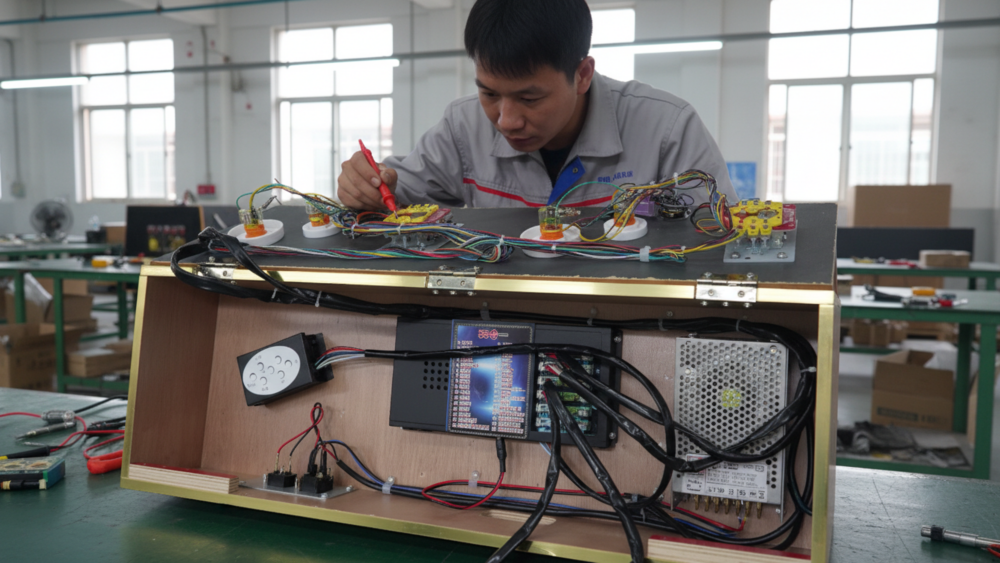
Before ordering a replacement PCB, confirm player count, I/O layout, monitor connection, control wiring, payment signals, software version and the parts included in the kit.
For example, the Captain America Arcade Fish Game Board Kit is supplied as a kit with the main PCB, keypad, power supply and connection components. That is useful for a replacement project, but the existing cabinet still needs to be checked before assuming the kit will drop straight in.
For older machines, photograph both ends of important connectors. Years of repairs can leave a cabinet with wiring that no longer follows its original layout.
Do Not Buy Payment and Ticket Parts in Isolation
Coin acceptors, card readers and ticket dispensers may look like separate accessories, but they normally depend on the cabinet, power supply, wiring and control system around them.
A different coin acceptor can change the pulse or wiring requirement. A card reader may need its own power and communication setup. A ticket dispenser needs both the correct physical mounting and the right control signal.
A machine such as the Kung Fu Football Arcade Machine with Ticket Dispenser combines coin operation and automatic ticket dispensing in one commercial system. If either of those components is being replaced later, the replacement should be matched to the existing cabinet and control setup rather than ordered as a generic accessory.
Send Enough Information Before the Supplier Confirms the Part
A good replacement order should be confirmed from specifications and machine evidence, not from a message that says only “I need this part.”
| Send the Supplier | Why It Matters |
|---|---|
| Old part label | Identifies model, voltage and known specifications |
| Connector photos | Helps check plugs, pins and wiring arrangement |
| Part dimensions | Confirms mounting and cabinet clearance |
| Machine photo | Shows the part in its real installation context |
| Fault video | Helps avoid replacing the wrong component |
For electronic parts going into equipment for the EU market, documentation may also matter. The European Commission’s RoHS guidance currently lists ten restricted substances in electrical and electronic equipment.
Buyers should confirm whether the component and final equipment fall within the relevant rules for the destination market instead of assuming one document covers every arcade part.
Industry Insight: Build a Parts Record Before You Need It
The easiest replacement order is the one where the operator already knows exactly what worked last time.
For each machine model, keep a folder with photos of the PCB, I/O board, power supply, control panel, payment device and important connectors. Add the dimensions and part numbers of components that have already been replaced successfully.
For a distributor supporting dozens of machines, that record becomes more valuable with every repair. The next order starts with a known specification instead of another round of photos, measurements and guesswork.
Final Thoughts
Arcade replacement parts usually fail to fit for ordinary reasons: the size was never measured, the connector was assumed to be standard, the voltage was checked but the pinout was not, or the new board was ordered without looking at the rest of the cabinet.
Before ordering, document the old part and the machine around it. Confirm mechanical fit, electrical specifications, wiring and control compatibility first. That small amount of work is usually much cheaper than receiving a part that is almost right.
Need Factory Direct Fish Game Solutions?
Contact FUSEN for fish game machines, PCB kits, cabinets, OEM/ODM customization, and long-term technical support.
Get Factory Quote