
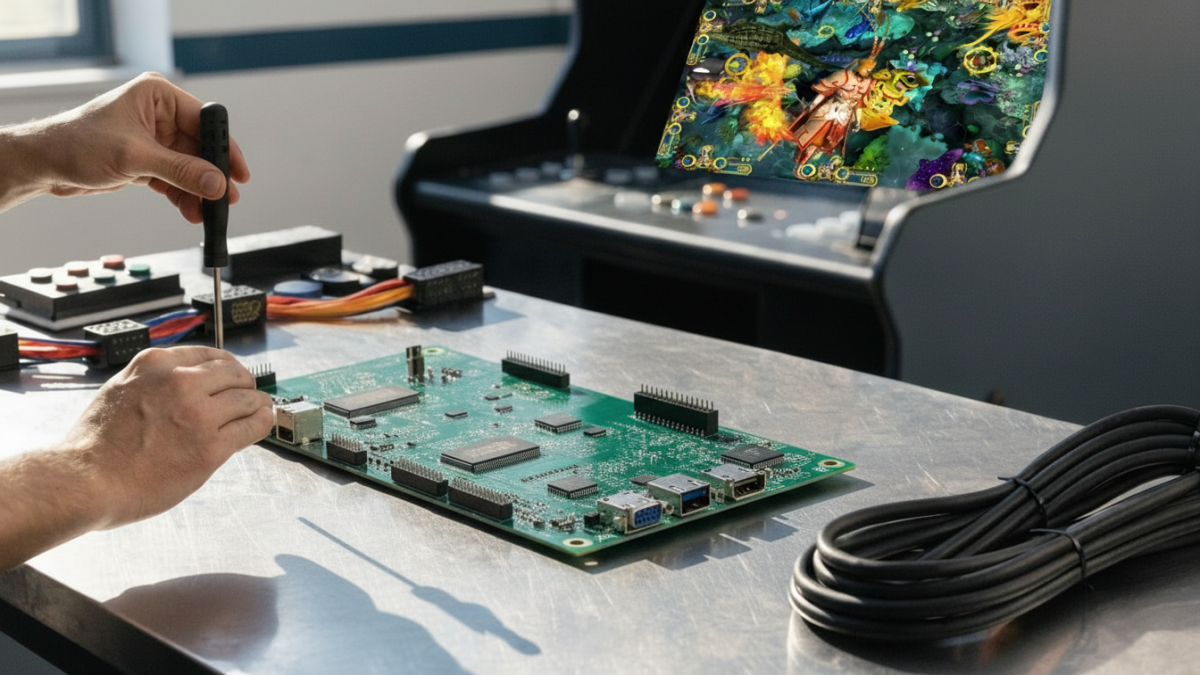
Buying a fish game PCB kit looks straightforward until the board reaches the cabinet. Then the real questions start: Does the I/O match? Will the monitor accept the signal? Are all player positions wired correctly? Is the power supply included?
For arcade operators, distributors and repair buyers, most expensive PCB problems are not caused by choosing the wrong game title. They come from choosing a board before checking the machine around it.
If you are ordering a fish game PCB kit, these are six mistakes worth avoiding before payment.
Buying by Game Name Alone
A familiar game name or attractive demo can get attention, but it tells you very little about whether the PCB will work in your cabinet.
Start with the hardware already on site. Record the number of player positions, monitor size and connection, I/O board, power supply, controls and payment device. If you are replacing an older board, take clear photos before disconnecting anything.
That information gives the supplier something concrete to match. A cabinet photo from the outside does not.
Assuming Player Count Is the Only Compatibility Check
Player count is important, but “8-player compatible” does not automatically mean the board will drop into every 8-player table.
The I/O layout, control wiring and screen setup still have to match. Even a board with a wide player range needs to be checked against the actual cabinet.
For example, the Tiger Legend Fish Game PCB Kit supports 2–10 player configurations and 110–240V input. Those specifications provide flexibility, but the final player wiring and I/O arrangement should still be confirmed before ordering.
Ignoring I/O, Wiring and Screen Connections
This is where many upgrade jobs become harder than expected. The main PCB is only one part of the system. Player controls, I/O boards, video output, payment signals and power all have to communicate correctly.
Before payment, send the supplier photos of the existing PCB, I/O board, power-supply label, monitor input and wiring plugs. For an older cabinet, a short power-on video is also useful because it shows what still works before anything is replaced.
| Check | What to Confirm |
|---|---|
| Players | Actual number of control positions |
| Monitor | Resolution and video connection |
| I/O | Board layout and player connections |
| Power | Input voltage and power supply |
| Payment | Coin, bill or card-reader interface |
Comparing Prices Without Comparing What Is in the Kit
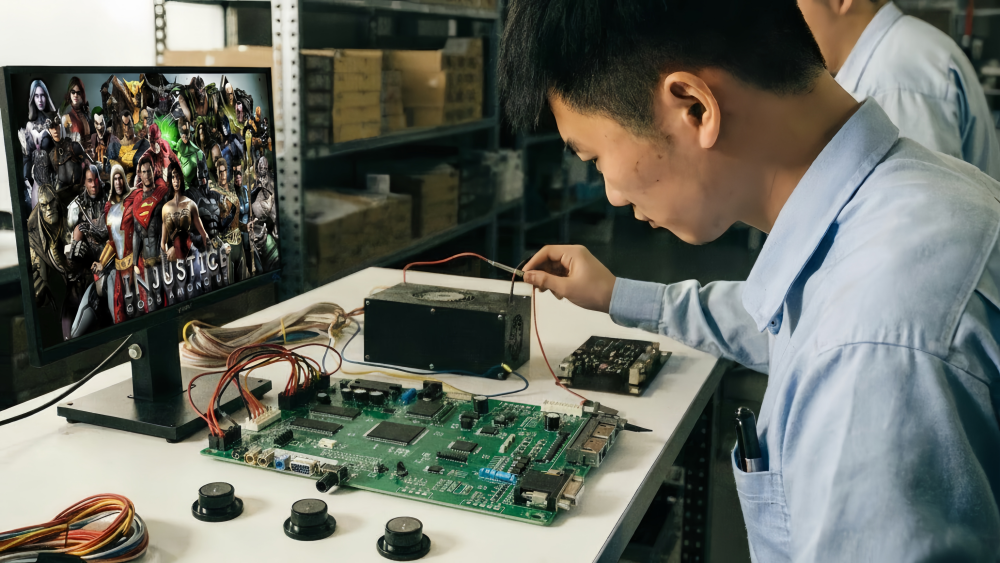
Two PCB quotations can look similar while covering very different packages. One supplier may quote only the main board. Another may include the power supply, keypad and connection cables.
That difference matters once installation starts. Missing a small cable or compatible power supply can hold up the whole job, especially when the parts have to be sent internationally afterward.
The Stallone Fish Game PCB Kit, for example, is supplied with the main PCB, keypad, power supply and connection cables. Whatever model you choose, ask for a written packing list instead of assuming every “PCB kit” contains the same parts.
Accepting Product Photos Instead of a Real Test
A clean PCB photo cannot show how the system behaves after startup. Before shipment, ask to see the actual board running with a monitor and controls.
A useful test should show startup, video output, sound, control response, player positions and basic settings. If language or difficulty needs to be configured for your market, confirm it during the same test.
For broader electronics-industry context, IPC J-STD-001 and IPC-A-610 cover process requirements and acceptance criteria for electronic assemblies. The practical point for arcade buyers is simple: assembly quality and inspection matter long before a board reaches the machine.
Forgetting About the First Repair
The buying decision should not end when the board powers on successfully.
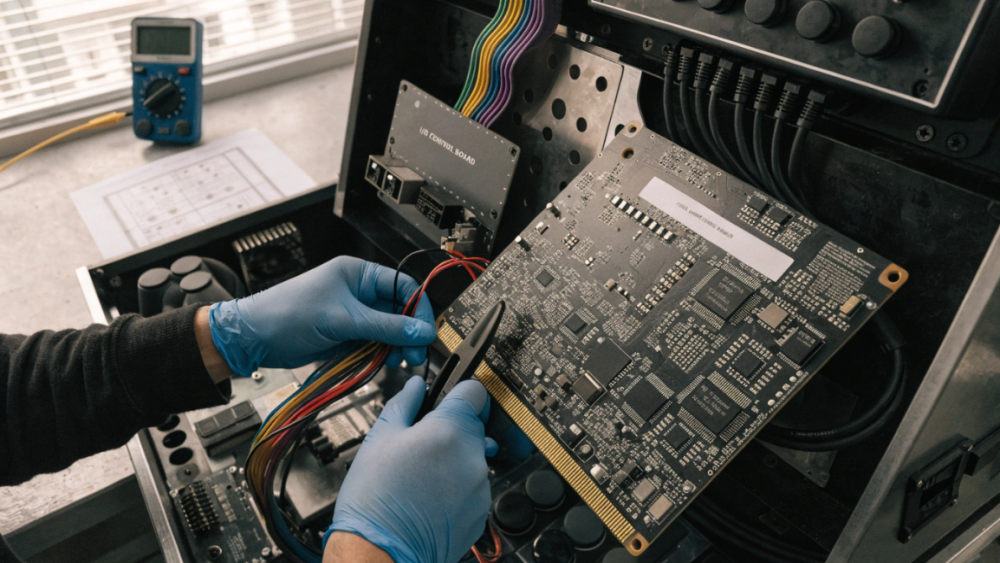
Ask what happens if one player position stops responding, the display loses signal or the machine begins restarting after installation. Can the supplier help identify the fault remotely? Can the same board or compatible replacement still be supplied later?
For distributors, this matters even more. Selling several cabinets with the same PCB becomes much easier to support when you have wiring records, configuration notes and access to compatible spare boards and parts.
Industry Insight: Keep a Compatibility Record for Every Cabinet
One of the simplest things a repeat buyer can do is keep a basic specification record for each cabinet type.
Save the player count, monitor connection, I/O board photos, power-supply specifications, payment device and the PCB configuration that has already worked in that cabinet. The next replacement order then starts with known information instead of another round of guesswork.
For a distributor managing machines in several locations, that record can be more useful than a long product catalog. It shortens troubleshooting and makes repeat purchasing much easier.
Final Thoughts
A good fish game PCB kit is not simply the board with the newest graphics or the lowest price. It is the kit that fits the cabinet, arrives with the parts you expected and can be supported after installation.
Check the existing machine first, confirm the full kit contents, watch the real configuration being tested, and keep a record once you know the setup works. That usually costs less than trying to fix a mismatch after the shipment arrives.
Need Factory Direct Fish Game Solutions?
Contact FUSEN for fish game machines, PCB kits, cabinets, OEM/ODM customization, and long-term technical support.
Get Factory Quote