
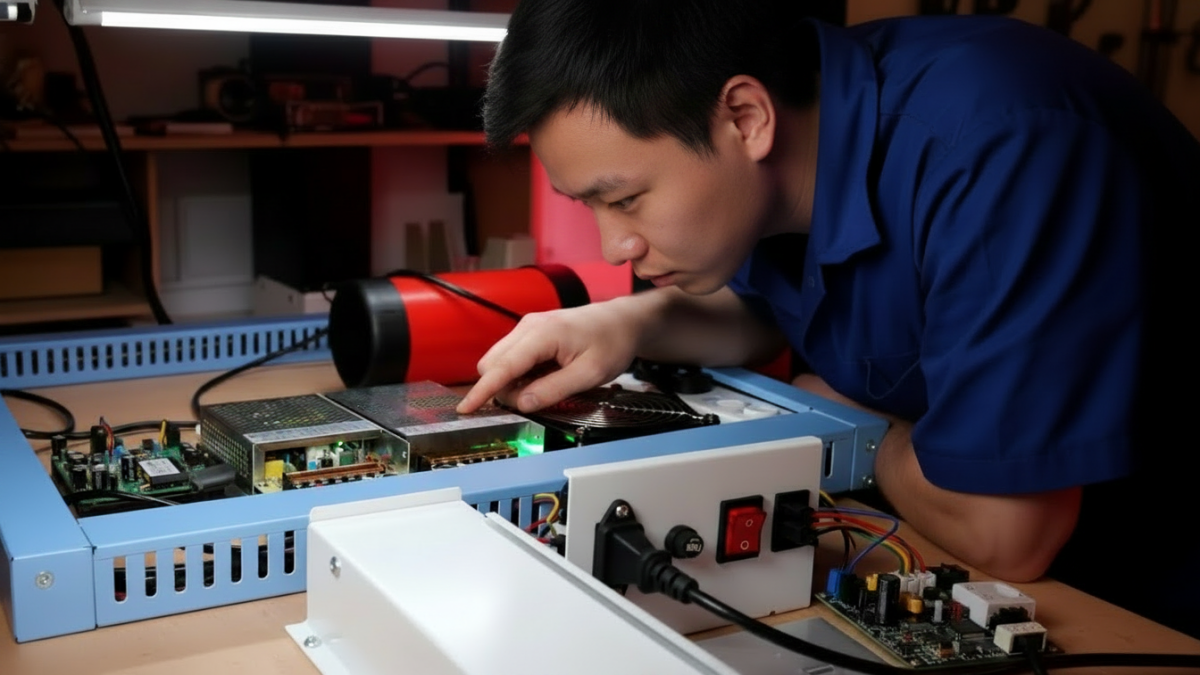
When a fish game machine has sound but no picture, keeps restarting, or one player position stops responding, many buyers immediately think the PCB board is broken. Sometimes it is. But in real repair work, the PCB is not always the first part that should be replaced.
A weak power supply, loose wiring harness, bad video cable, wrong I/O connection, payment signal error, or software setting can create very similar symptoms. For arcade operators, distributors, and repair buyers, the safer method is simple: check power, signal, wiring, I/O, payment, and software before ordering a new board.
Quick Answer: What Should Buyers Check First?
Before replacing a fish game PCB, check the power supply, monitor input, video cable, wiring harness, I/O board, player buttons, joystick signals, coin acceptor, card reader, and software settings. Many “PCB problems” are actually connection or configuration problems.
| Symptom | Check before replacing PCB |
| Sound but no display | Monitor power, VGA/HDMI cable, input source, PCB video output. |
| Machine restarts | Power load, cooling fan, cabinet heat, loose connectors, voltage stability. |
| One player not working | Button switch, joystick wire, player harness, I/O connector. |
| Coin or card issue | Signal wire, pulse setting, payment port, I/O board support. |
Start with Power, Signal, and Wiring
The first check should be the basic path: power, signal, and connectors. If the machine freezes after running for a while, look at the power load, cooling fan, cabinet temperature, and wiring contact. If the screen shows no signal, check the monitor input and display cable before judging the PCB.
If only one player position fails, do not rush to replace the main board. On 6-player, 8-player, and 10-player fish tables, one loose signal line can stop a single player position while the rest of the machine still works normally.
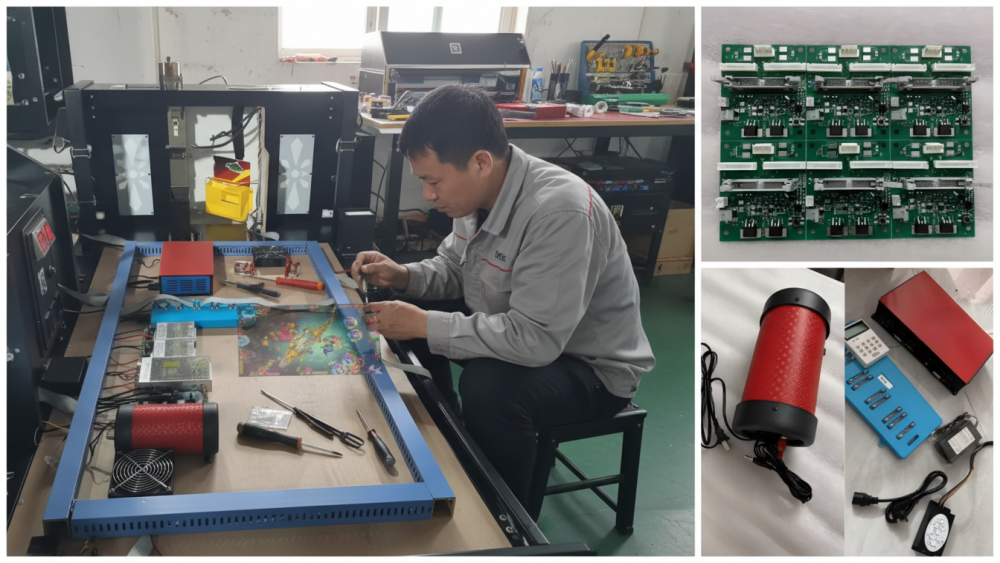
For buyers comparing replacement boards, a product such as the Stallone Fish Game PCB Kit is a useful reference because the main board, I/O control, player wiring, and software support should be checked as one complete system.
Do Not Mix Up PCB Faults and Setting Problems
Payment and software problems often look like PCB faults. A coin acceptor may fail because the pulse setting does not match. A card reader may need the correct interface, power connection, and software support. A player position may stop responding because the I/O signal is not matched with the cabinet wiring.
Before ordering a PCB or software system, confirm the supported player count, language setting, difficulty adjustment, game version, coin acceptor support, card reader support, and I/O board matching. The Fire Phoenix Fish Game PCB Kit is a practical example of why board configuration and arcade cabinet compatibility should be confirmed before replacement.
Handle PCB Boards Like Electronic Parts
A fish game PCB should be handled like an electronic assembly, not a cabinet accessory. Static electricity, moisture, rough plugging, poor packing, and direct contact with components can cause visible or hidden damage.
IPC describes IPC-A-610 as an important standard for electronic assembly acceptability, which is useful for understanding why PCB workmanship and inspection matter. You can refer to IPC’s official page on electronic assembly standards.
For storage or shipping, anti-static protection also matters. ANSI/ESD S20.20 is designed for electrostatic discharge control programs that protect electrical and electronic parts, assemblies, and equipment. Buyers can refer to the ANSI/ESD S20.20 standard as a reference for PCB handling awareness.
Send the Right Materials for Remote Support
Remote troubleshooting is much faster when the supplier can see the real machine condition. Before asking for support, prepare a power-on video, clear PCB photo, power supply label, wiring harness photos, screen photo, payment wiring photo, machine model, player count, and software version.
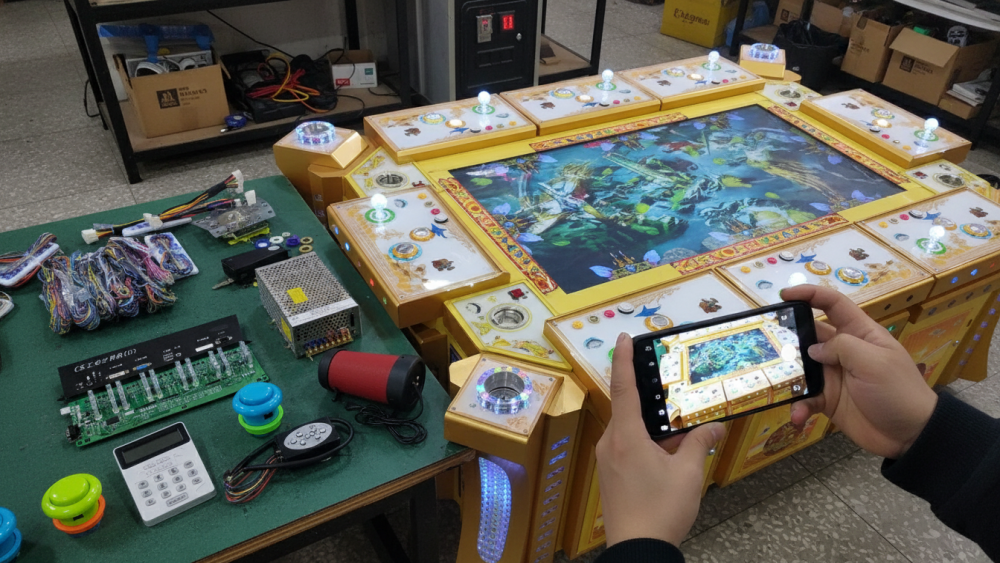
If it is safe to open the cabinet, show the machine starting up, the fault appearing, and the inside wiring. This helps the supplier judge whether the issue is PCB, power supply, I/O board, monitor, payment system, or software setting.
Industry Insight
For arcade operators, a PCB issue is not only a technical problem. It is a downtime problem. If a machine cannot display, accept payment, or respond to one player position, it may lose income during busy hours.
For distributors and repair buyers, the lowest board price is not always the safest choice. A board that does not match the I/O board, payment setup, player count, or software version can create repeated after-sales problems, even when the board itself is working.
Experienced buyers check player configuration, payment support, language setting, difficulty adjustment, I/O board matching, pre-shipment test video, and long-term supply of the same board model. These details make future repair easier and reduce repeated communication.
Final Thoughts
Fish game PCB troubleshooting should start with simple checks: power, signal, wiring, I/O board, player position, payment connection, screen, sound, and software settings. Replacing the PCB too early can waste time if the real problem is a loose connector, weak power supply, wrong payment signal, or unmatched I/O board.
For operators, distributors, and repair buyers, the best supplier is not only a board seller. It is a partner that understands PCB software, machine configuration, payment systems, and real arcade operation.
Need Factory Direct Fish Game Solutions?
Contact FUSEN for fish game machines, PCB kits, cabinets, OEM/ODM customization, and long-term technical support.
Get Factory Quote