
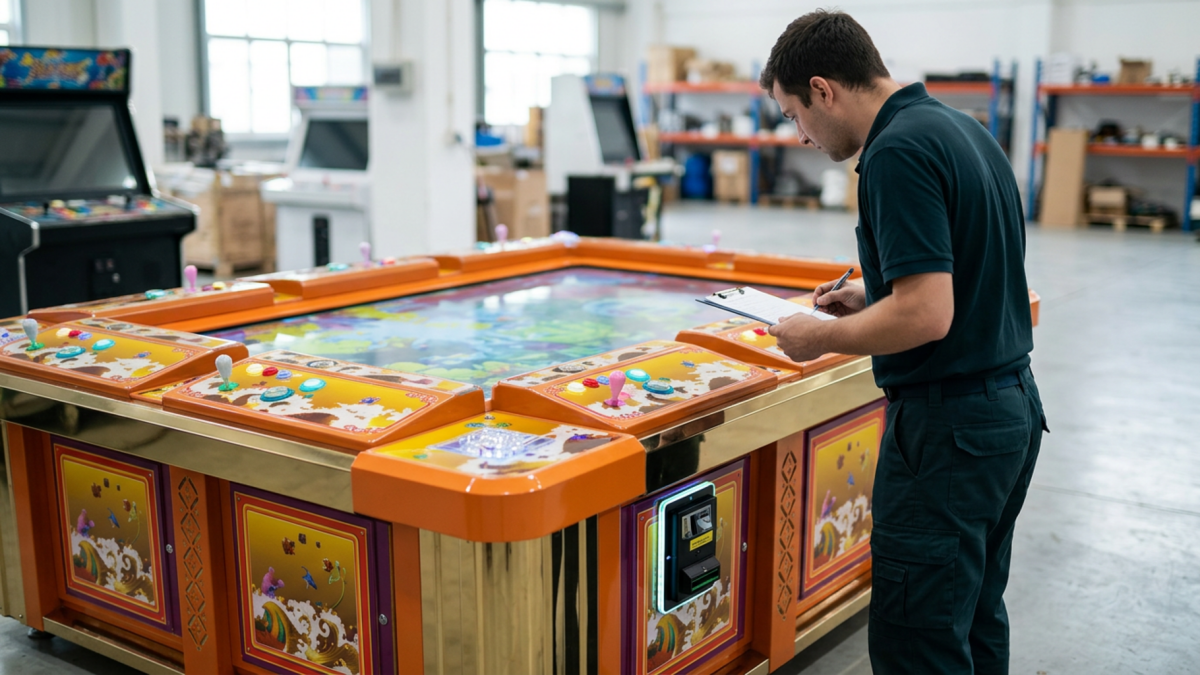
A fish game machine can take money without adding credits if the payment device does not send the expected signal, the signal does not reach the game system, or the software interprets it incorrectly. Check the transaction, payment input and credit settings before replacing the PCB.
The useful starting point is the exact symptom: no credits anywhere, the wrong credit amount, or credits appearing at another player position. Each calls for a different first check.
Confirm What Happened to the Payment
Take the affected payment input out of customer use while investigating. Record the amount paid and the credit balance before and after the transaction. For cashless payments, check the transaction record; a lit reader or an authorization message alone does not confirm that the game received credits.
Check every player balance before reporting “no credits.” If another station received them, investigate input assignment. If credits appeared in the wrong amount, investigate credit conversion. Use the table to narrow the checks, rather than diagnose a component from one symptom.
| What you observe | Check first |
|---|---|
| Money retained or payment completed; no credits anywhere | Payment output, signal path and enabled credit input |
| Wrong credit amount | Pulse count, where used, and credit conversion |
| Credits appear at another station | Input assignment and player mapping |
| Only one payment method fails | That device’s output and connection |
Check the Device Output and Signal Path
Identify the payment-device model and its interface. A coin acceptor, bill acceptor and card reader may require different connections or configuration. Give the technician the device manual and the wiring information for the installed PCB and I/O system.
For pulse-based cashless systems, Nayax’s official pulse guide explains how electrical pulses activate the machine and identifies timing mismatch as a possible cause of skipped output pulses. Check the timing required by the actual equipment; another cabinet’s values may not apply.
Before handling internal connections, isolate power and follow the service procedure. OSHA 1910.333 addresses de-energizing exposed live parts and qualified-person requirements for energized work. Have a qualified technician perform any tests requiring access to energized circuits.
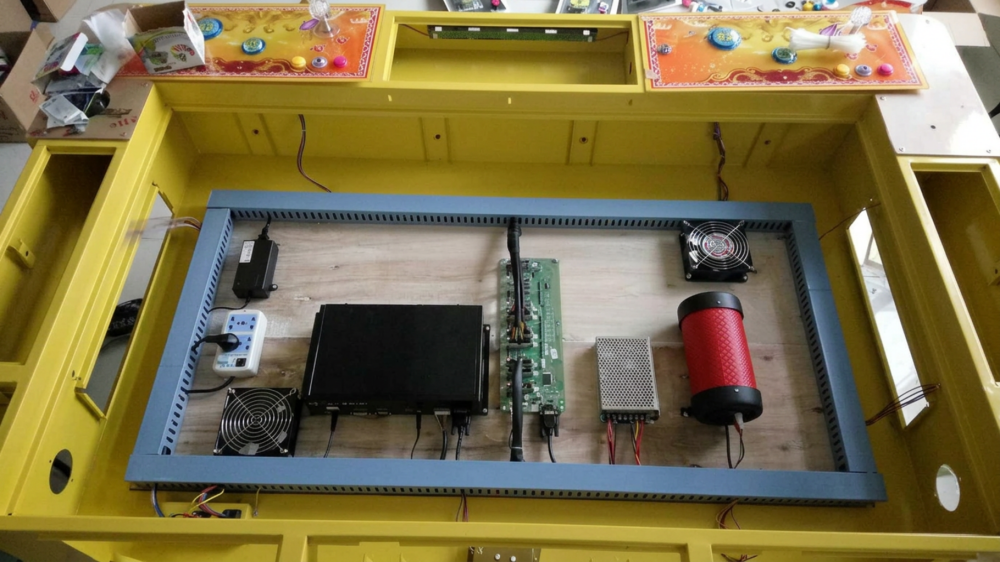
Compare the Settings with the Last Working Setup
If the problem began after a PCB replacement, software change or reader installation, start with that change. Photograph the current settings and compare them with the previously approved configuration. Avoid a factory reset before recording what is installed.
Where available, review the enabled payment input, credit conversion and player assignment. Menu names vary by software version. When requesting instructions for a system such as the Fire Phoenix Fish Game PCB Kit, send the board label, software version and payment-device model so the supplier can identify the relevant setup.
Change one confirmed setting at a time and record the result. A normal game display shows that the program is running; it does not verify the payment input.
Confirm the Fault Before Ordering a Kit
Consider replacement when the investigation identifies a defective component or an interface the existing system cannot support. If the payment device is not producing the required output, replacing the game PCB may leave the fault unchanged.
For an option such as the Tiger Legend Fish Game PCB Kit, confirm the controller, wiring harness, software configuration and payment interface supplied for your cabinet. Ask which existing parts can be retained and which need changing. Matching player count alone does not establish compatibility.
Keep a Record of the Successful Test
For remote support, send a short video showing the payment and every relevant credit display. Include the PCB and I/O labels, payment-device model, settings photos and recent changes. State whether other payment methods or player positions still work.
Industry Insight: Include Credits in Acceptance Testing
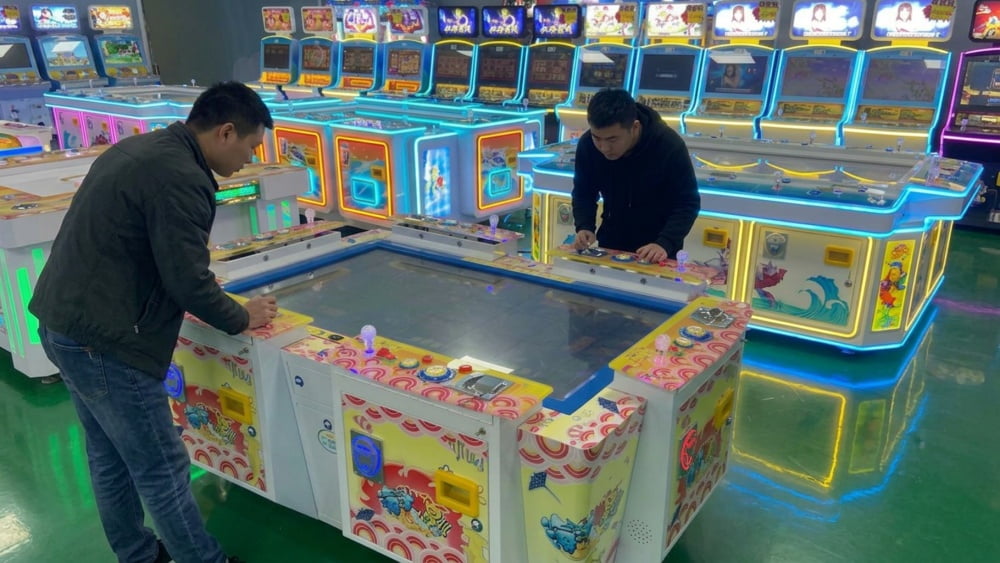
For buyers, our recommendation is to test each agreed payment method and player assignment before approving a machine or upgrade. Record the amount paid and the credits received. Keep that result with the approved configuration, rather than relying only on a gameplay demonstration.
When money is accepted but credits are missing, trace the transaction and input first. Replace parts when the checks justify it, then repeat the payment test before returning the machine to customer use.
Need Factory Direct Fish Game Solutions?
Contact FUSEN for fish game machines, PCB kits, cabinets, OEM/ODM customization, and long-term technical support.
Get Factory Quote