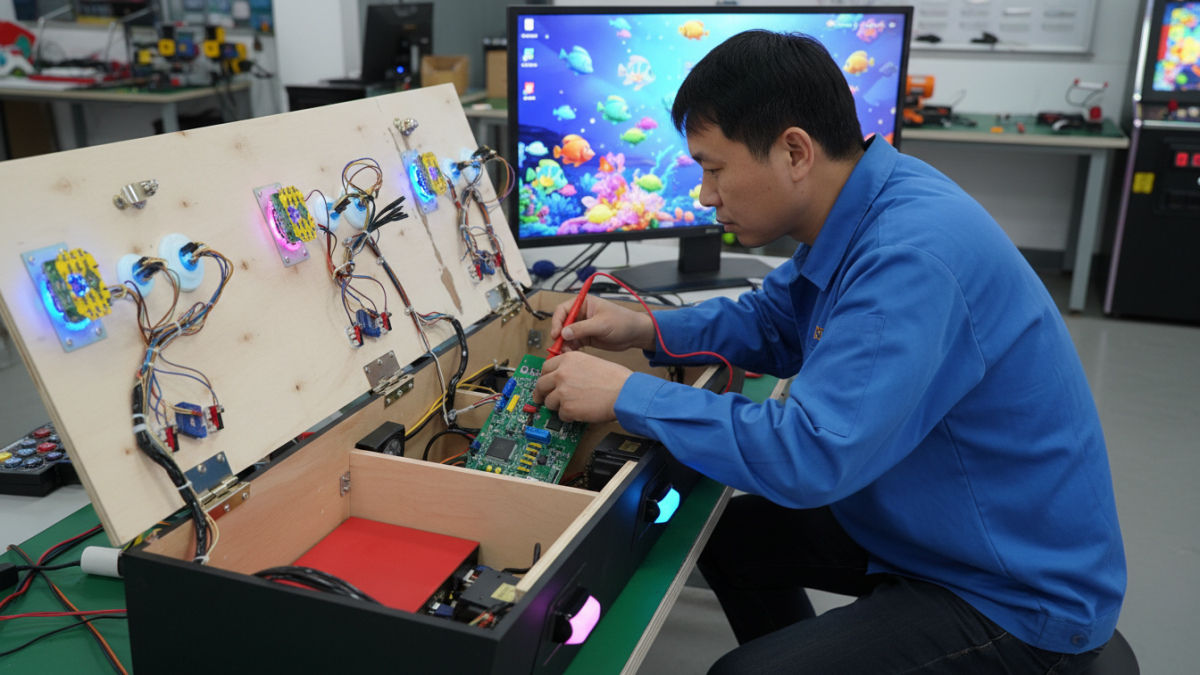
When a fish game machine stops working, the PCB is often the first part people blame. That is understandable. The board sits at the center of the system, and many faults look like board failure from the outside.
In real arcade operation, however, not every problem comes from the main PCB. A loose connector, unstable power supply, I/O board issue, screen signal problem, button wiring fault, or software setting can create similar symptoms. Replacing the board too early may not fix the machine and can add unnecessary cost.
Safety note: This guide is for basic troubleshooting and supplier communication. Power supply checks, board replacement, and internal electrical work should be handled by trained technicians or qualified maintenance staff.
Why PCB Troubleshooting Matters
For a venue owner, machine downtime means lost play time. For a distributor, repeated PCB complaints can turn into after-sales pressure. For a maintenance buyer, replacing the wrong part wastes budget and delays repair.
A fish game machine PCB works together with the game software, I/O board, payment system, screen, speakers, buttons, joysticks, and wiring harness. If one part of that chain fails, the whole machine may appear unstable.
Good troubleshooting starts by separating two situations: is the whole machine failing, or is only one player position or function affected? That simple difference can save a lot of time.
Common Signs of PCB or Board-Related Problems
Operators may need to check the PCB system when they see problems such as:
- The machine does not start normally
- The screen has no signal or unstable display
- The game freezes during play
- Buttons or joysticks do not respond correctly
- Coin, bill, or credit input does not work
- Only one player station has a problem
- Sound is missing or inconsistent
- Game settings are not saved properly
These signs are useful, but they are not enough to confirm that the main board is bad. For example, one player station not working may point more toward a button, joystick, connector, or I/O board. A full-machine startup problem may require checking the power supply, PCB, screen output, and software together.
Check Power, Wiring, and Connectors First
Before ordering a replacement arcade PCB board, the basic connections should be checked. A loose wire, weak power supply, damaged connector, or poor contact can make the machine behave as if the PCB has failed.
This is especially common after shipping, cabinet movement, control panel repair, or parts replacement. If the machine was recently moved or opened, wiring and connectors should be checked before assuming the board is damaged.
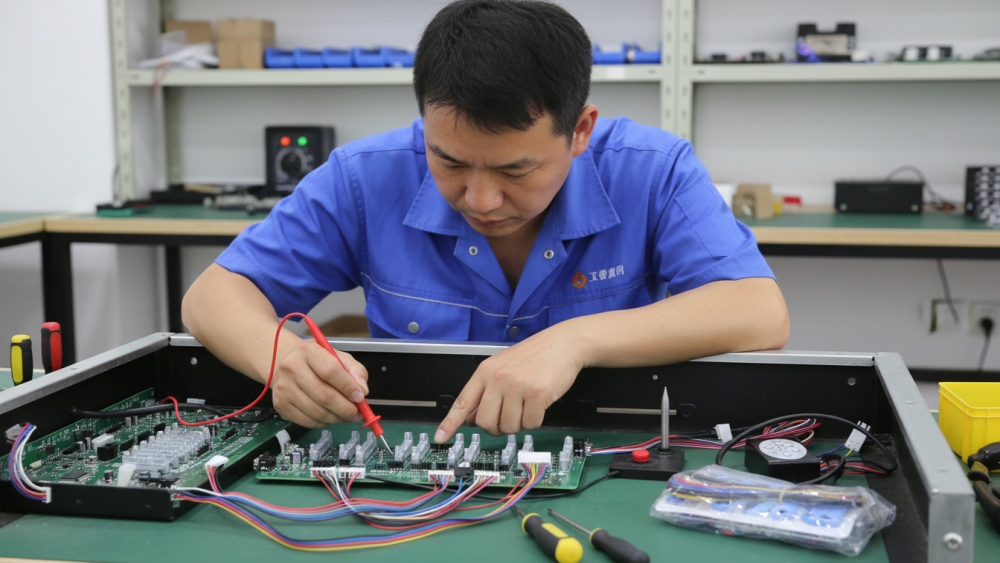
Internal electrical checks should be treated carefully. The Electrical Safety Foundation International reports workplace electrical fatality statistics from 2011 to 2024 and notes that many electrical fatalities occur outside electrical occupations. The ESFI workplace electrical fatality statistics are not arcade-specific, but they are a useful reminder that powered equipment should not be opened casually.
I/O Board and Control Panel Problems
In many fish game machines, the I/O board connects the main PCB with the control panel. Buttons, joysticks, credit input, and player stations often pass through this part of the system.
If only one player position has a problem, the first checks should usually focus on that station. Check the button, joystick, connector, wiring harness, and I/O board connection before replacing the main board.
This matters for distributors and repair buyers. A working main PCB may be returned as “faulty” simply because the actual problem was a control panel connection. Clear diagnosis helps avoid unnecessary returns and delays.
Software Settings Can Also Cause Problems
Fish game software affects more than the game screen. Player number, game version, language, difficulty setting, credit setting, and payment configuration can all influence how the machine runs.
A software mismatch may happen after changing a PCB, moving parts between machines, updating software, or using a board in a different cabinet configuration. In that case, the board may not be physically damaged, but the machine may still behave incorrectly.
Operators should keep a simple record of the PCB model, software version, player setup, and wiring configuration. This makes supplier support much faster when a problem appears.
When a PCB Replacement May Be Needed
A replacement PCB may be needed when the board has visible damage, cannot communicate with major machine parts, repeatedly fails after basic checks, or has been confirmed by the supplier as faulty.
Board quality also depends on electronic assembly, soldering, connectors, and inspection. IPC J-STD-001 is an electronics industry standard related to requirements for soldered electrical and electronic assemblies. The IPC J-STD-001 standard reference provides a broader view of why board assembly and connection quality matter in electronic products.
For arcade buyers, this does not mean they need to inspect solder joints themselves. It means replacement boards should come from suppliers who understand board testing, software matching, and after-sales support.
What to Send the Supplier
A supplier can usually help faster when the buyer sends clear information. Before asking for a replacement board, prepare:
- Machine model and player number
- PCB photos and board version
- Software version or game name
- Short video showing the problem
- Photos of wiring, I/O board, and power supply
- Whether the issue affects one station or the whole machine
This information helps the supplier judge whether the issue is more likely related to the PCB, I/O board, wiring, software, power supply, or control panel.
Buying Replacement Arcade PCB Boards
When buying a replacement arcade PCB board, buyers should confirm more than the price. The board should match the machine model, software version, wiring layout, screen output, I/O board, payment system, and player configuration.
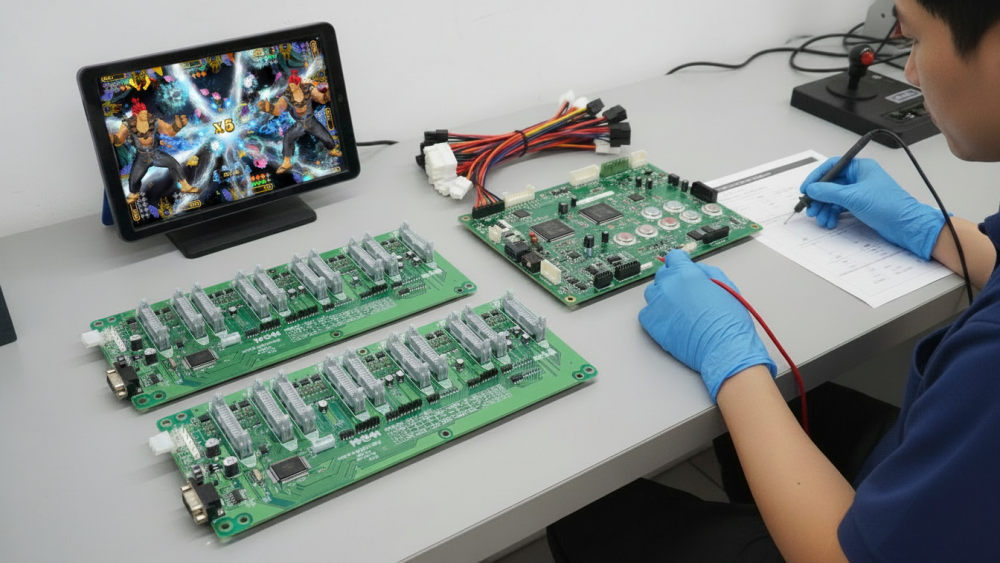
For distributors, stable supply is also important. If the same machine model is sold to multiple customers, having a tested spare board and clear replacement instructions can reduce after-sales pressure.
For related factory testing and production checks, you can also read our article on fish game machine factory production and quality checks. For broader parts planning, our guide on arcade machine parts for fish game machines may also help.
Final Thoughts
Fish game machine PCB troubleshooting should be practical, not rushed. A machine problem does not always mean the main board is damaged. Power supply, wiring, I/O board, control panel parts, software settings, and connectors should all be considered.
For arcade operators, distributors, and maintenance buyers, the best approach is to check the system step by step, document the issue clearly, and work with a supplier that can support PCB replacement, software matching, and spare parts over the long term.
Need Factory Direct Fish Game Solutions?
Contact FUSEN for fish game machines, PCB kits, cabinets, OEM/ODM customization, and long-term technical support.
Get Factory Quote