
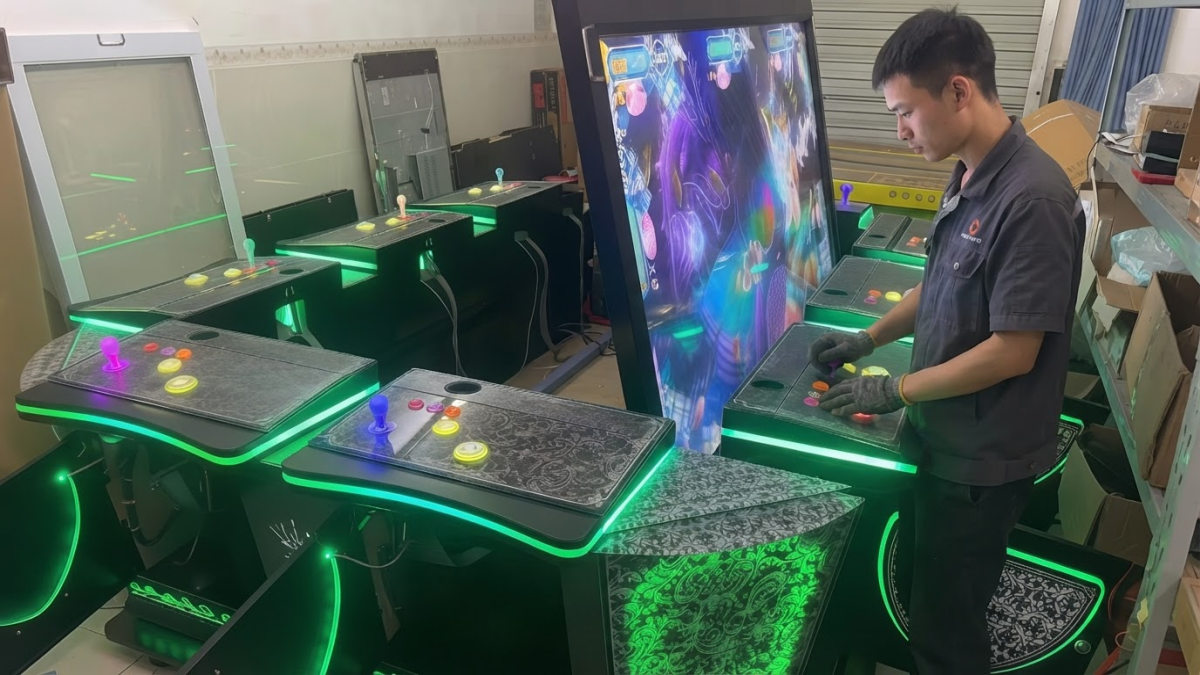
Fish game software can start normally and still be wrong for the machine using it. The player count may not match the cabinet, the language may be unsuitable for the venue, or the payment signal may add credits incorrectly.
These issues are often described as software faults. In practice, many are configuration mismatches between the software, PCB, I/O board, screen, wiring, and payment system.
For operators, distributors, and maintenance buyers, the safest approach is to confirm the complete configuration before installation and keep a clear record of the approved settings.
Why Fish Game Software Settings Matter
A software version should be tested in the machine configuration in which it will actually operate. The ISO 9001 Auditing Practices Group guidance describes validation as confirming through examination and objective evidence that requirements for the intended use have been fulfilled.
For a fish game machine, this means checking more than the opening screen. The approved setup should include the player configuration, controls, language, difficulty, display output, payment settings, and I/O connections.
Confirm the Player Configuration
Fish game software can support multiple players, but the software setting must match the physical cabinet, I/O board, wiring harness, and number of active control positions.
Every player position should be tested separately. Confirm that the correct player number appears on screen and that the buttons, joystick, credits, sound, and game controls respond properly.
If one position does not respond, the cause may be the software assignment, I/O setting, wiring, or control components. It does not automatically mean that the main PCB has failed.
Check Language and Interface Settings
Our standard configuration supports switching between Chinese and English. Buyers should still confirm where each language appears before shipment.
Check the game interface, operator menu, system prompts, error messages, boot screen, and setting pages. A translated game screen is not enough if the maintenance menu remains in a language the venue staff cannot use.
For distributors serving different markets, the approved language version should be recorded with the PCB and software details. A replacement board with the correct game but the wrong language package can create an avoidable second shipment.
Understand the Difficulty Settings
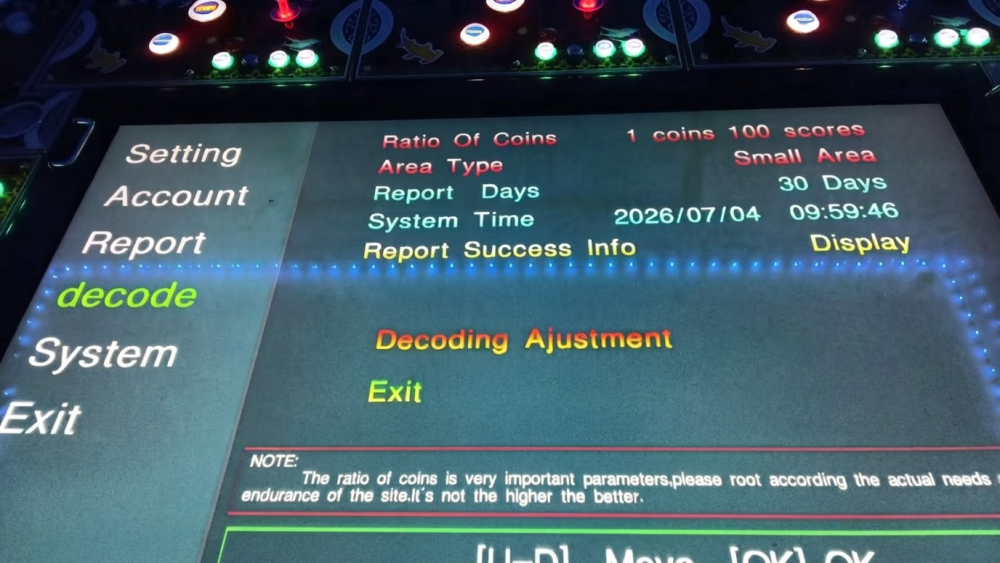
The default software provides five difficulty levels. The selected level should be confirmed during testing rather than left as an undocumented factory setting.
Difficulty should be managed according to the approved operating plan, customer group, venue policy, and applicable local requirements. It should not be treated as a simple shortcut for increasing revenue.
After changing the difficulty level, restart the machine and confirm that the setting remains saved. Record the approved level together with the software version so that a future board replacement does not unintentionally change the operating setup.
Match the Payment Configuration
Payment problems are often blamed on the coin acceptor or card reader, but the final credit value also depends on the signal type, I/O board, software setting, and player assignment.
Before installation, confirm the payment device, operating voltage, connector, pulse setting, credits added per payment, and whether credits are assigned to one position or shared across the machine.
When a local card system will be installed by the buyer, its interface and signal requirements should be provided before configuration. A plug that fits physically does not confirm that the credit logic is compatible.
Our arcade card reader and coin acceptor guide explains the main payment, wiring, I/O, and software matching points.
Confirm PCB, I/O Board, and Screen Compatibility
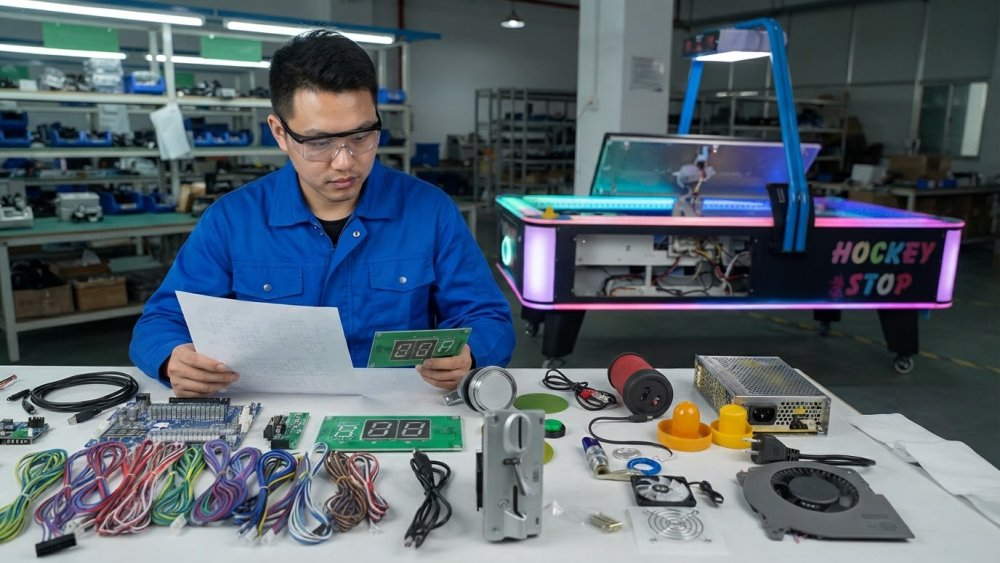
Fish game software should not be ordered separately from the hardware information. Confirm the main PCB model, I/O board, player configuration, wiring, screen format, output connection, and software version as one complete set.
Two boards may look similar but use different software, display output, player assignments, or payment settings. Replacing only the PCB without confirming the complete configuration can produce a machine that starts but does not operate correctly.
Our fish game machine PCB replacement guide covers the main checks required before changing a board.
Record and Test the Final Configuration
Do not rely on a PCB photo or game name alone. Save the following information for each machine version:
- PCB and I/O board model
- Software name and version
- Number of player positions
- Language selection
- Approved difficulty level
- Payment signal and credit value
- Screen and output configuration
The final test should show startup, screen output, sound, every player position, language switching, difficulty settings, payment input, saved settings, and restart behavior.
For remote approval, the test video should identify the PCB, software version, and machine configuration rather than showing only a few seconds of gameplay.
If any setting changes after approval, update the configuration record and repeat the affected tests before shipment.
Industry Insight
The most common software problem is not always damaged software. It is a machine running a configuration that no longer matches its hardware or venue requirements.
For operators, a saved configuration record makes recovery faster after a PCB replacement. For distributors, it reduces repeated questions and lowers the risk of supplying the wrong language, player version, difficulty setting, or payment configuration.
The software, PCB, I/O board, screen, payment system, and wiring should be treated as one supported machine configuration—not as separate parts purchased independently.
Final Thoughts
Before installing fish game software, confirm the player count, language, difficulty, payment settings, PCB, I/O board, screen output, and wiring configuration.
Test the complete machine and keep a record of the approved version. That small step makes future troubleshooting, replacement orders, and technical support much more accurate.
Need Factory Direct Fish Game Solutions?
Contact FUSEN for fish game machines, PCB kits, cabinets, OEM/ODM customization, and long-term technical support.
Get Factory Quote